

1000 FAQs, 500 tutorials and explanatory videos. Here, there are only solutions!
Discover SSO connection to Infomaniak
This guide explains what a Single Sign-On (SSO) connection is, a mechanism that allows users to log in to multiple applications with a single set of credentials.
The "Log in with SSO" button is exclusively reserved for users whose company has enabled this option. If you are not aware of this feature or are a private Infomaniak customer, log in as usual via the standard blue button.
Log in to Infomaniak with your SSO
Single Sign-On (SSO) is an authentication mechanism that allows users to log in to multiple applications using a single set of credentials. Infomaniak offers this option on its various login pages (including mobile apps) for companies and advanced users who have enabled this feature:
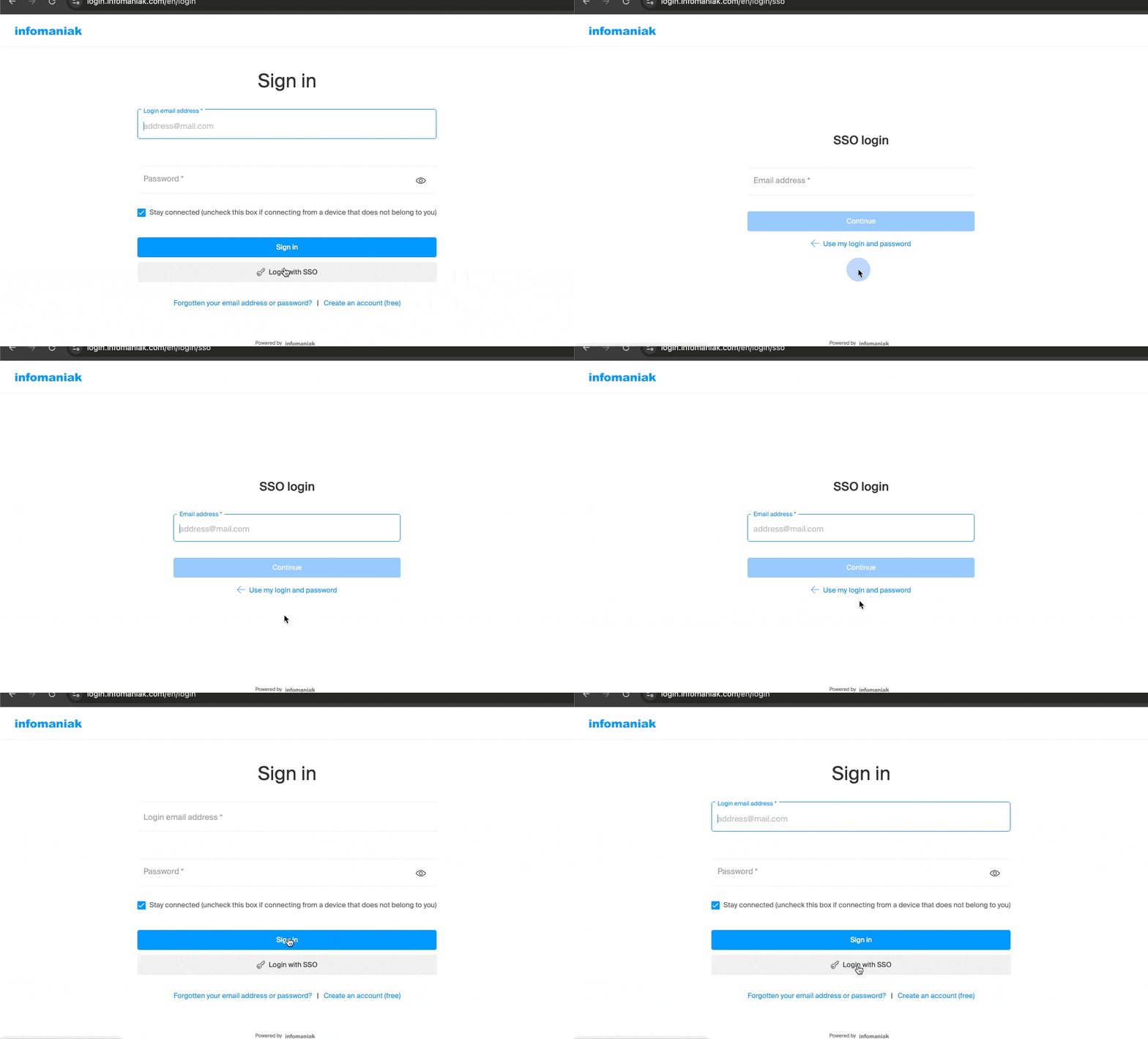
The goal of SSO is to improve the user experience and enhance security. For users whose company has enabled SSO, this means:
- Simplified access: authentication with professional credentials is sufficient to access Infomaniak services, eliminating the need to remember an additional password.
- Enhanced security: the organization's security policies (complex passwords, multi-factor authentication, etc.) are automatically applied to Infomaniak access.
- Immediate update: changes to credentials within the company's internal system are instantly applied to the Infomaniak login.
Currently, only Entra ID (formerly Azure AD) is compatible with Infomaniak's SSO solution. Other identity systems or protocols such as Active Directory (AD), OpenID Connect (OIDC), or other similar identity providers to Entra are not supported.
Talk to your system administrator to find out if enabling this option is possible. If your organization uses Entra ID, SSO allows you to simplify the management of your accesses. Infomaniak will provide the necessary information to connect its platform to your identity system.